
 Book a call with us (30 Minute Meeting)



 Krishna Mishra
 17 September 2026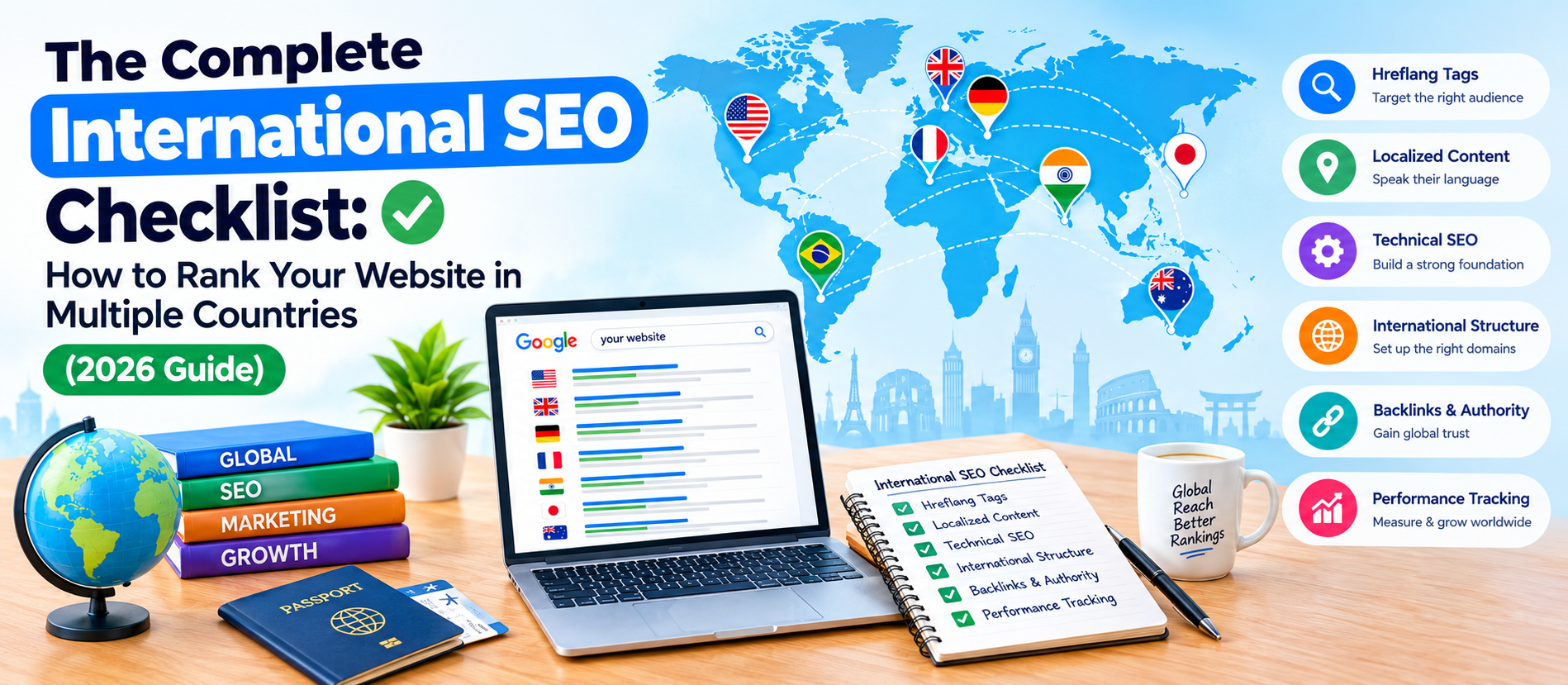
International SEO Checklist (2026): Everything You Need Before Going Global
International SEO Checklist: A practical guide to targeting countries, languages, and search engines to rank globally.
If your business has outgrown its home market, chances are
you're already thinking about going global. Maybe you're eyeing customers in
the US, UK, UAE, or Southeast Asia. Maybe you already have an Indian audience
and now want to reach people in Europe or Australia. Either way, there's one
thing you can't skip: International SEO.
A lot of businesses assume that ranking well in India
automatically means they'll rank well everywhere else. That's simply not true.
Google treats every country — sometimes even every language within a country —
as its own little search battlefield. What works in Delhi may not work in
Dubai. What ranks in English for a US audience may completely flop for a
British one because of spelling, tone, or even currency differences.
At Ksquare99, we've helped brands scale from single-city
visibility to multi-country organic traffic, and we've seen the same mistakes
repeated again and again. So, we put together this International SEO
Checklist — a practical, no-fluff guide you can actually use, whether
you're doing this yourself or briefing your SEO agency.
Let's get into it.
What Is International SEO, really?
International SEO is the process of optimizing your website
so that search engines can figure out:
- Which
countries you want to target
- Which
languages your content is written in
- Which
version of your site should show up for which audience
It's not just translation. A website can be translated
perfectly into French and still fail in France if the technical setup, hosting,
backlinks, and local search intent aren't handled properly. International SEO
sits at the intersection of technical SEO, content strategy, and local market
research.
Why Businesses Get This Wrong
Before jumping into the checklist, it helps to understand
where things usually go sideways:
- They
translate the homepage and call it "done."
- They
use one single .com domain for every country and confuse Google about
which page belongs to which market.
- They
ignore hreflang tags completely, so Google shows the wrong language to the
wrong visitor.
- They
copy the same keyword strategy from their home market, without realizing
people in other countries search differently.
- They
forget local backlinks and local business listings entirely.
If any of this sounds familiar, don't worry. Let's fix it,
step by step.
The Complete International SEO Checklist
1. Decide Your Target Countries and Languages First
This sounds obvious, but it's the step most businesses rush
through. Before touching your website, get clear on:
- Which
countries actually have demand for your product or service
- Whether
those countries share a language (like the US, UK, Canada, and Australia
all speaking English) or need separate language versions
- Whether
local competitors already dominate that market
Use tools like Google Trends, Google Keyword Planner (set to
different countries), and even simple customer inquiry data to validate demand
before investing in a full-blown international strategy.
2. Choose the Right URL Structure
This is one of the most important technical decisions in
international SEO, and it's hard to reverse later. You generally have three
options:
Country-code top-level domains (ccTLDs). Example:
yourbrand. in, yourbrand.co.uk, yourbrand.ae Strongest signal to Google about
country targeting, but expensive and harder to manage at scale.
Subdomains Example: uk.yourbrand.com,
ae.yourbrand.com. Easier to set up, decent targeting signal, but can sometimes
be treated as a separate site by search engines.
Subdirectories. Example: yourbrand.com/uk/,
yourbrand.com/ae/ Easiest to manage, keeps domain authority in one place, and
is usually the most recommended option for small and mid-sized businesses.
There's no universally "best" option — it depends
on your budget, technical resources, and how different your markets are.
3. Implement Hreflang Tags Correctly
Hreflang tags tell Google which language and country version
of a page to show a visitor. Get this wrong, and you risk:
- Showing
your English content to a French visitor
- Duplicate
content issues across country versions
- Diluted
rankings because Google can't tell your pages apart
Every page should have a self-referencing hreflang tag, plus
tags pointing to every other language/country version of that same page. Always
include an x-default tag for visitors who don't match any specific target.
This is technical and easy to get wrong manually, so many
agencies (including us) automate this through the CMS or use dedicated hreflang
generator tools, then verify everything with Google Search Console.
4. Do Local Keyword Research — Don't Just Translate
This is where most international SEO campaigns quietly fail.
Direct translation of keywords rarely matches how people actually search in
another country.
For example, "mobile" in the UK is "cell
phone" in the US. "Trainers" in the UK are "sneakers"
in the US. Even within English, search behavior shifts.
For each target market:
- Research
keywords natively in that language and region
- Check
search volume and competition specific to that country (not global
numbers)
- Understand
local slang, spelling (colour vs. color), and units of measurement
- Look
at what local competitors are ranking for
5. Localize Content, Don't Just Translate It
Localization goes a step beyond translation. It means
adjusting:
- Currency
and pricing formats
- Date
formats (17/09/2026 vs 01/09/2027)
- Cultural
references, humor, and examples
- Images
and visuals that feel relevant to that audience
- Contact
numbers, addresses, and local business hours
A page that feels "foreign" or awkwardly
translated damages trust instantly, and Google's helpful content systems
increasingly reward content that genuinely serves a specific audience well.
6. Set Up Google Search Console for Each Region
Once your country/language structure is live, set up
international targeting properly inside Google Search Console:
- Submit
separate sitemaps for each country/language version
- Monitor
performance by country under the "Performance" report
- Watch
for coverage errors specific to international pages, especially hreflang
mismatches
7. Build Local Backlinks and Citations
Backlinks from websites within your target country carry
strong local relevance signals. If you're targeting the UAE, a backlink from a
respected UAE business directory or news site will help more than another link
from an Indian website.
Focus on:
- Local
business directories relevant to that country
- Guest
posts on regional blogs and publications
- Local
PR mentions and press coverage
- Region-specific
influencer or industry partnerships
8. Optimize for Local Search Engines (Not Just Google)
Google dominates most markets, but not all. If you're
expanding into:
- China
— you'll need Baidu optimization
- Russia
— Yandex plays a major role
- South
Korea — Naver has significant search share
Each of these platforms has its own ranking factors, and
treating them like "Google with a different logo" is a common
mistake.
9. Check Page Speed and Hosting for Each Region
A website hosted in India might load fine for Indian users
but feel sluggish for someone in the US or Europe. Use a Content Delivery
Network (CDN) to serve your website faster across geographies, and regularly
test page speed from different countries using tools like GTmetrix or Page
Speed Insights with server location testing.
10. Avoid Duplicate Content Across Regions
If you have similar content across multiple English-speaking
markets (US, UK, Australia), Google may see this as duplicate content. Combine
this with proper hreflang implementation, and where content is genuinely
near-identical, make sure canonical tags are set up correctly so you're not
competing against your own pages.
11. Track Rankings and Traffic by Country Separately
Don't lump your analytics together. Set up country-level
segmentation in Google Analytics and Search Console so you can see:
- Which
markets are converting
- Which
markets need more content or backlink investment
- Where
technical issues might be quietly hurting performance
12. Stay Compliant with Local Regulations
Different countries have different data privacy and e-commerce regulations — GDPR in Europe being the most well-known example. Non-compliance doesn't just risk legal trouble; it can also affect user trust and, indirectly, your SEO performance if bounce rates and trust signals suffer.
Final Thoughts
International SEO isn't a one-time project — it's an ongoing
strategy that needs regular monitoring, testing, and refinement as markets and
algorithms evolve. The businesses that get this right treat every country
almost like a separate mini-business with its own audience, competitors, and
search habits, even while keeping the core brand consistent.
If you're planning to take your business global and want a team that's actually done this before — not just read about it — Ksquare99 can help. As a digital marketing agency with over a decade of hands-on SEO experience across multiple industries, we build international SEO strategies that are tailored to real markets, not templates.
Frequently Asked Questions
1. What is International SEO?
International SEO is the process of optimizing a website so search engines can correctly show the right language and country version of your content to the right audience, across multiple markets.
2. How is International SEO different from regular SEO?
Regular SEO targets one country or language. International SEO adds extra layers — hreflang tags, URL structure choices, local keyword research, and country-specific content — to rank in multiple markets at once.
3. Should I use a subdomain, subdirectory, or separate domain for each country?
It depends on your budget and resources. Subdirectories (like yourbrand.com/uk/) are usually easiest to manage and are commonly recommended for small and mid-sized businesses. ccTLDs (like yourbrand.co.uk) send the strongest country signal but cost more to maintain.
4. What are hreflang tags, and why do they matter?
Hreflang tags tell Google which language and country version of a page to display to a visitor. Without them, you risk showing the wrong language to users or triggering duplicate content issues across your regional pages.
5. Can I just translate my existing content for other countries?
No. Direct translation often misses local search behavior, slang, currency, and cultural context. Localizing content — not just translating it — leads to better rankings and better user trust.